
As a remote professional, I can tell you firsthand: a good webcam matters. A lot. You don’t want to look—or sound—grainy when you’re talking to management, clients, or collaborators. And you definitely don’t want to constantly crane your neck or shift in your chair just to stay in frame.
So when I saw Insta360 unveil its latest webcam lineup at CES 2026, I was genuinely interested—especially because these models were clearly designed with remote workers in mind, not just casual video calls.
Remote work isn’t going anywhere
The reality is that remote work is here to stay. And it’s not just full-time WFH employees. Retirees returning to work part-time (a surprisingly common situation), freelancers, educators, consultants, and creators all rely on video calls to stay visible and professional.
That creates a very real market for webcams that do more than simply turn on and record.
What makes an AI webcam different?
AI webcams aren’t about flashy features—they’re about reducing friction. Instead of acting like a static camera, they actively adapt to how you work.
Features like auto-framing, subject tracking, real-time focus, and AI noise reduction mean you don’t have to constantly adjust your setup. When done well, the camera stays locked on you, your voice stays clear, and your video looks consistent—even if you move around or your lighting isn’t perfect.
For remote professionals, the value is simple: fewer distractions and fewer “Can you hear me?” moments during calls.
Why Insta360’s new webcams stand out
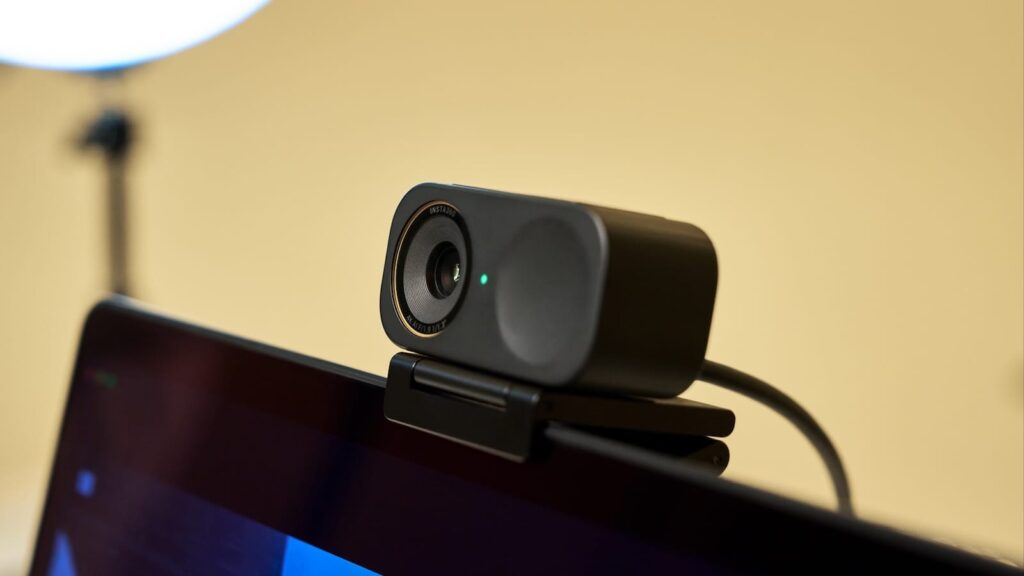
The biggest upgrade with the Link 2 Pro and Link 2C Pro is the larger 1/1.3-inch sensor, which immediately improves image quality—especially in low or uneven lighting. Faces look more natural, colors are more accurate, and the overall image feels closer to a dedicated camera than a typical webcam.
Audio is another strong point. The beamforming microphones and AI noise canceling do a solid job of keeping voices clear. At the same time, the different pickup modes are useful whether you’re speaking alone or with others in the room. For anyone who doesn’t want to live in a headset all day, this is a meaningful upgrade.
The Link 2 Pro’s AI-assisted gimbal tracking is where things get especially interesting for remote professionals who don’t stay glued to their chair. If you stand to present, move between a desk and a whiteboard, or just tend to shift around, the camera follows you naturally and keeps you centered.
Both models also include presentation-friendly modes like Smart Whiteboard and DeskView, which are particularly useful for educators, trainers, and anyone who works with physical materials.
Where these webcams may be overkill
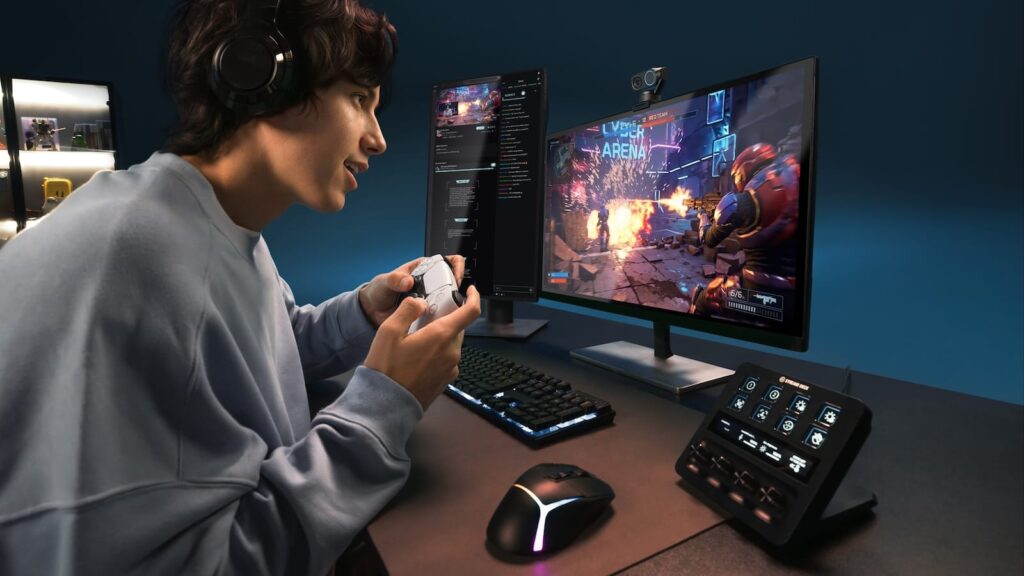
Not everyone needs a tracking gimbal. If you’re seated most of the day and rarely move on calls, the Link 2C Pro’s fixed setup may be the better—and more affordable—choice.
Some features, like gesture controls or natural bokeh effects, are nice to have but won’t dramatically change your workflow if your main goal is to look professional and get through meetings efficiently.
The bottom line for remote professionals
Insta360’s new webcams feel purpose-built for people who actually work on camera for a living—or at least spend a significant part of their week there. They won’t be necessary for everyone, but if looking polished, sounding clear, and staying comfortably in frame, is a concern for you, they make webcams feel less like a compromise and more like a part of a modern work setup.
Lauren has been writing and editing since 2008. She loves working with text and helping writers find their voice. When she’s not typing away at her computer, she cooks and travels with her husband and two daughters.